Build your squad
Rescue fighters along the way and find your mix of roles.
 ++
YOUR SQUAD. YOUR BREAKTHROUGH.
A squad action game. Rescue fighters, break through the infected city and reach extraction.
Play in your browserLearn to play →See the real rescue →Follow the next rescue →No installation · Touch or keyboard
First squad goal: shoot a cage lock, rescue the fighters and reach extraction.
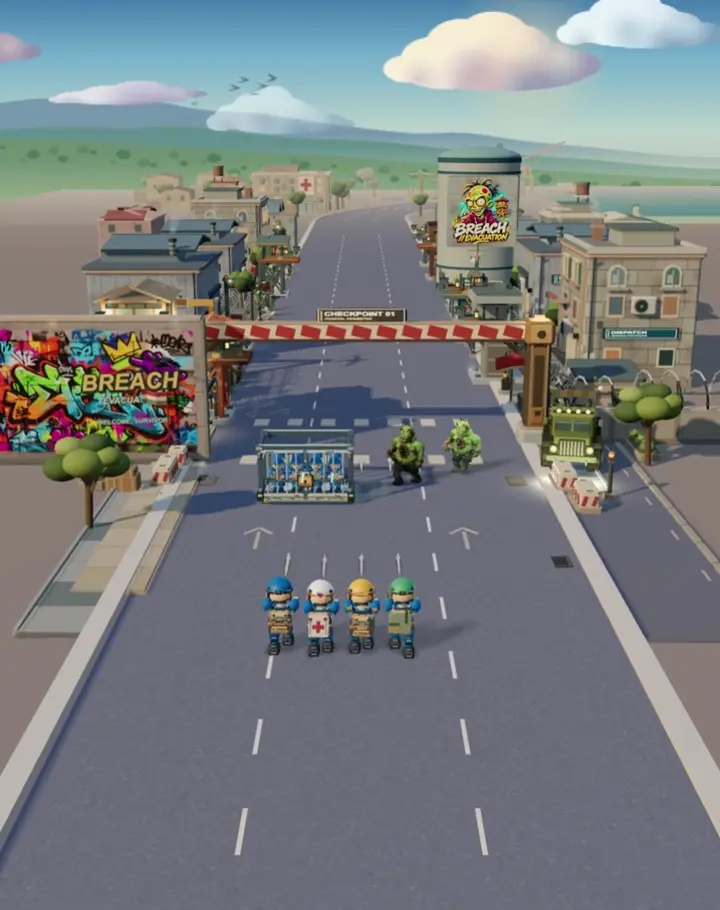 Watch a rescue · 9 seconds
Changing quality pauses playback. Press Play to continue.
The preview has no sound. Open it to load the video.
Open video directly01 / About
Every rescued fighter makes you stronger. Choose weapons, strengthen your squad and reach the evacuation point.
Lead a squad of rescued fighters, or take on the mission with one hero. Learn the controls before your first deployment.
Rescue fighters along the way and find your mix of roles.
Combine weapons and support to face the infected.
Push through dangerous districts and face the boss.
WATCH THE GAME
Watch the real run, then try your own.
Real gameplay · recorded earlier build
29 seconds · gameplay excerpt from the original phone recording. The interface is in Russian; scene captions are available in six languages.
The result is genuine: 20 evacuated and 38 freed. The recording is edited; the result screen is held briefly for readability.
Choose captions in the player. Nothing plays with sound until you press Play.
Music in the end card: Discovery by Scott Buckley, CC BY 4.0. Game audio is retained from the recording.
Scott Buckley · Discovery · CC BY 4.0 · Authors and licences02 / Field guide
Choose a lesson. Watch the gesture, see the result, then try it in the game.
Use the arrows or A / D, or drag on a touch screen. Leave red strips and circles before the attack lands.
Depending on your settings, hold your finger, the left mouse button or W to shoot, or use automatic fire. Pick a weapon for the distance.
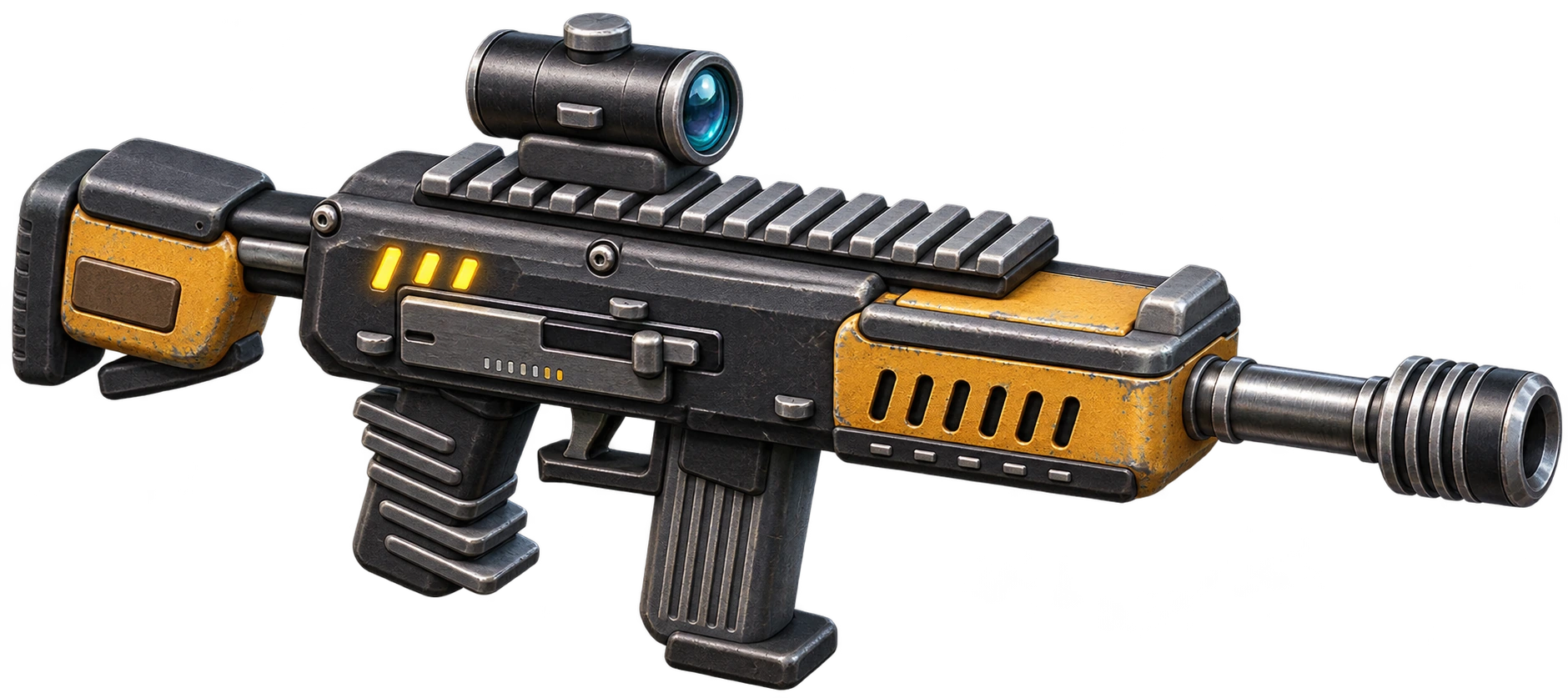
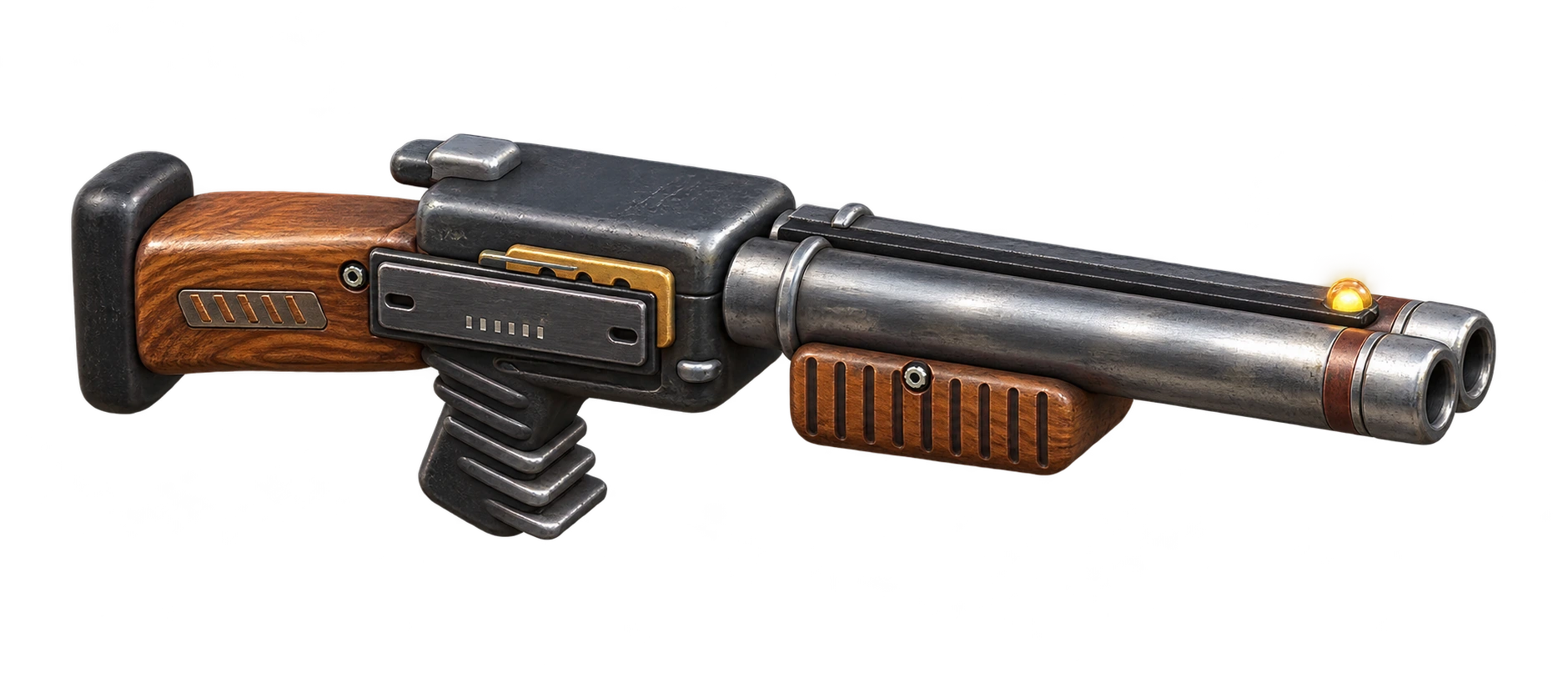
The pistol is always available. A rifle needs found or purchased ammo; a shotgun can be bought at HQ. On desktop, R activates the leader’s ability when ready.
Use ice to freeze nearby enemies and gain room to move. Desktop shortcut: Q. Watch the cooldown before using it again.
Use a grenade against a group of enemies. Desktop shortcut: E. The ability needs time to recharge.
Choose a side and dodge before the hit. Desktop shortcut: F. Keep an escape route out of marked danger zones.
Break a crate and collect ammo. In squad mode, shoot a cage lock to free fighters. Remaining ammo can return to the warehouse when you evacuate.
Break a crate and collect ammo. In squad mode, shoot a cage lock to free fighters. Remaining ammo can return to the warehouse when you evacuate.
At HQ, open Arsenal → My items. Choose up to two extra weapons, set the ammo to take and select your starting weapon. The pistol is always with you.
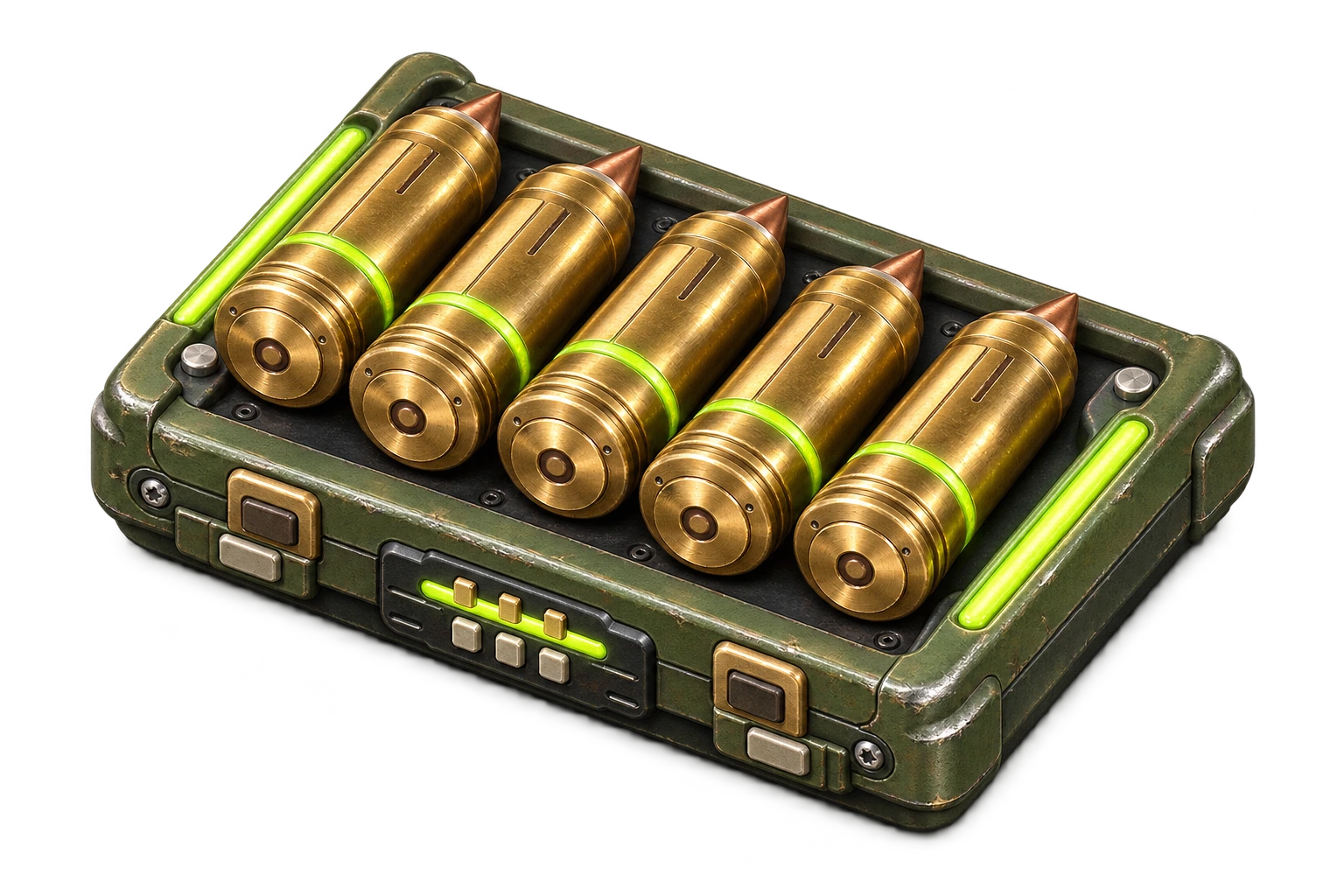
Open the HQ shop → Ammo. Choose the correct calibre, check the pack size and price, then confirm. Return to Arsenal and set how much to take on the mission.
In the shop, open Armour for commander protection or Modules for a hero. Check the effect and cost before confirming. Each hero can equip up to three modules.
Open Shop at HQ. Weapon cards show mission, star and point requirements. Buying a weapon and buying its ammunition are separate steps.
Drag left or right to move out of danger.
Drag left or right.
A / D or ← / →
Training examples with game animation. Controls depend on your settings; abilities need available charges or cooldown.
03 / Squad
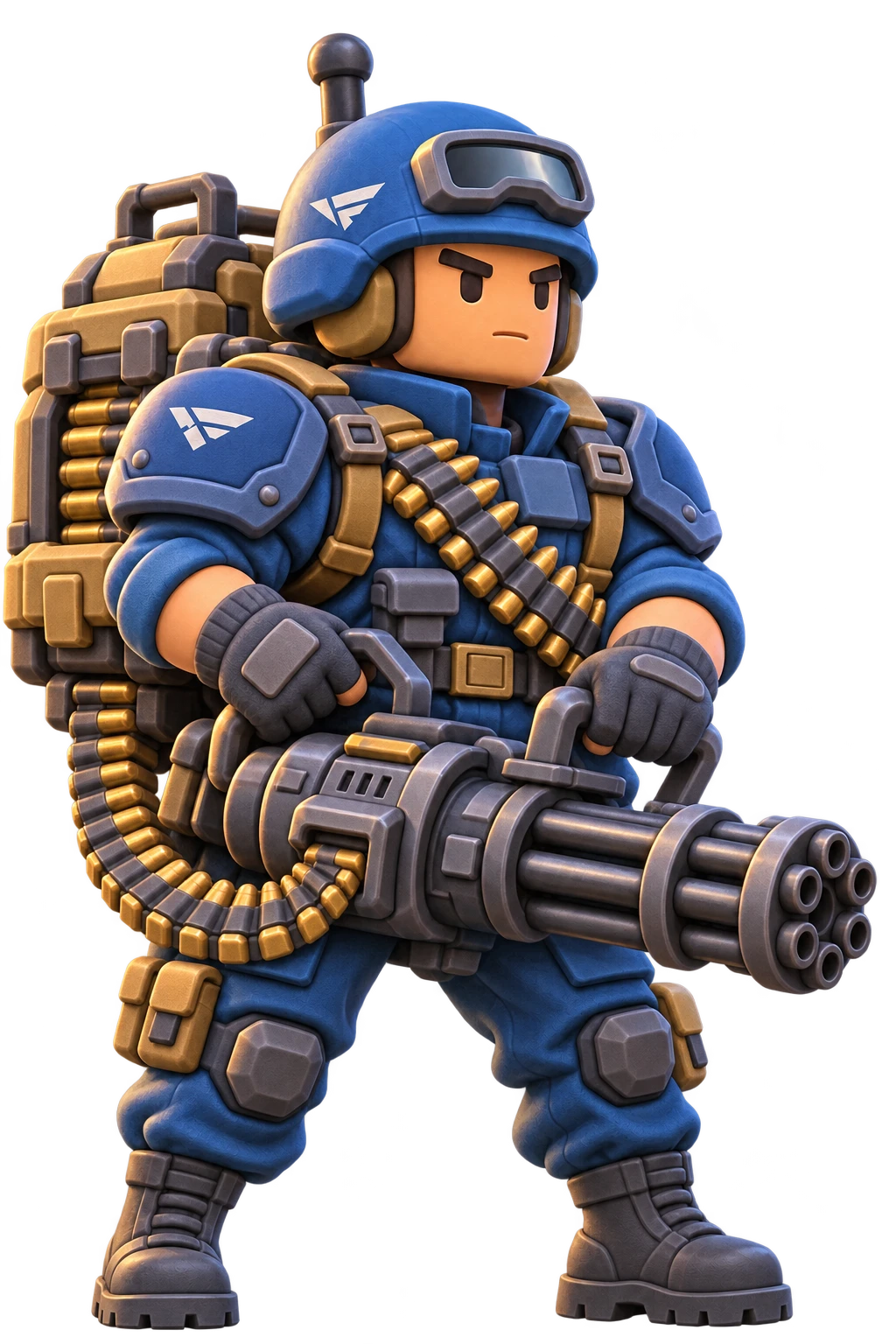
Meet the fighters. Select a portrait to discover their role.
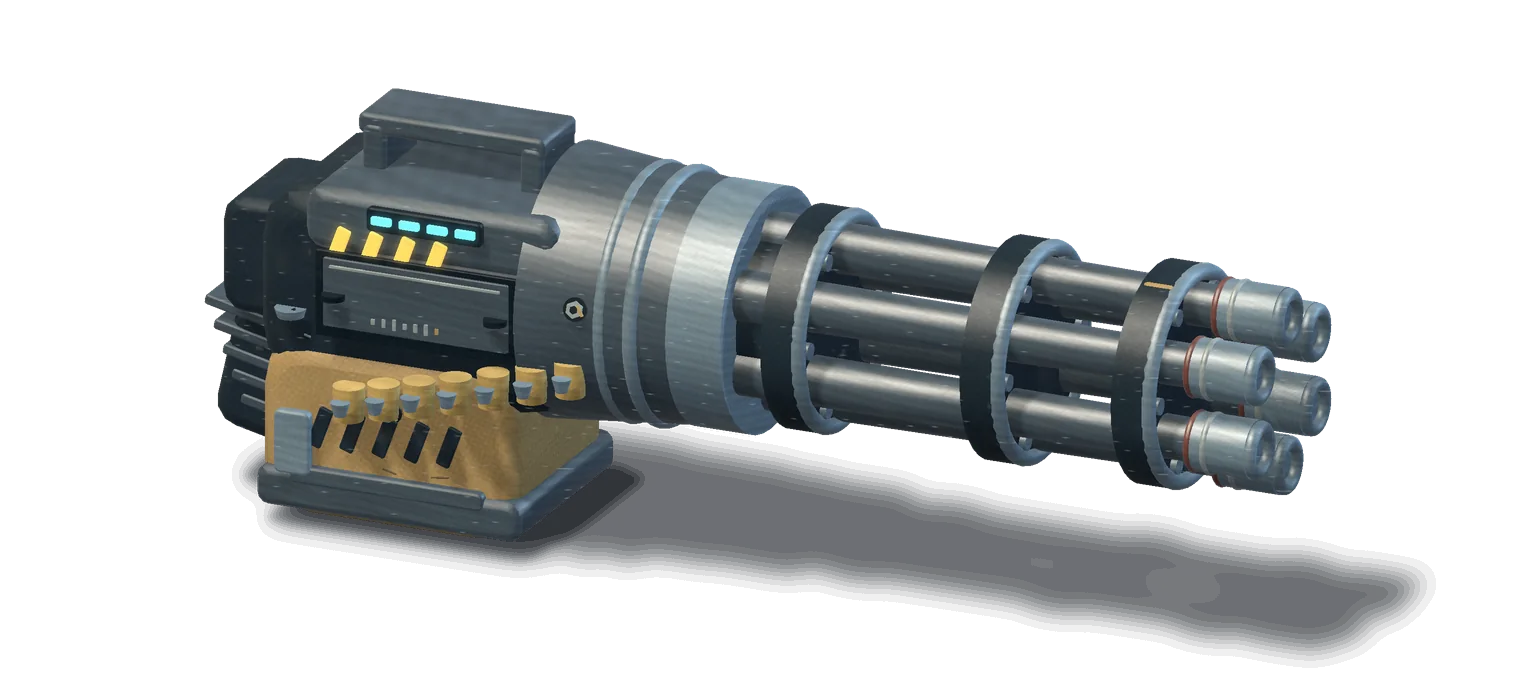
View squad artworkYour squad’s firepower. Sustained fire helps hold back the rush.
04 / Mission intros
The original animated briefings from levels 1–6.





01 / Checkpoint
05 / World
Maps from the game: from docks to industrial districts.
⚠ / Squad survival
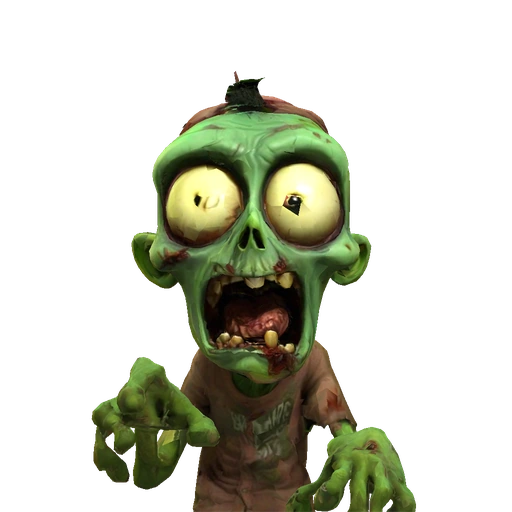
The infected are already here. This animation comes directly from the game.
06 / 3D collection
Open a model, turn it around and inspect it up close.
07 / Street art
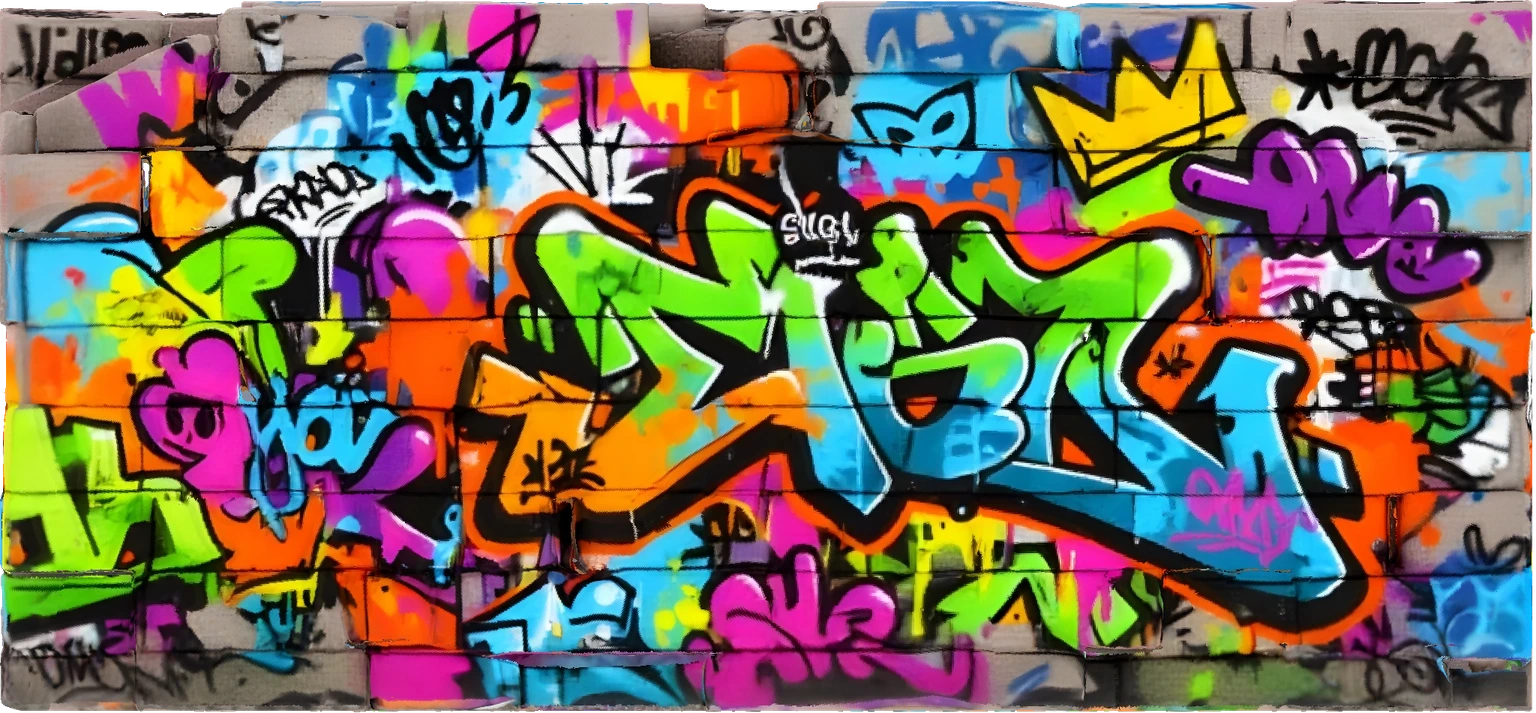
Original graffiti from the game. Colour, concrete and a little defiance.
08 / Trading
A separate online marketplace for player listings. Learn how lots, points and the warehouse work before confirming an exchange.
Browse offers from other players. The catalogue describes items; only an active listing can be bought.
Check the item, quantity, full price and your remaining balance. Purchases cover the entire lot, not individual units.
Confirm the purchase. The items go to your online warehouse. Review the transaction in your history.
Select an item and quantity from your online warehouse. Campaign inventory is separate.
Enter the total price for the entire lot. Review the displayed commission and your proceeds before confirming.
Listed items are reserved. A sale credits your proceeds after commission; cancelling a listing returns the reserved items.
A new account starts at zero. Initial test points and items are issued by an administrator; later, you can earn points by selling. Campaign points, stars, dollars and mission rewards do not transfer.
Items arrive in the online warehouse. Transfer into combat is not connected yet. Check your warehouse and transaction history after a purchase.
Card payments and cash withdrawals are not connected. Market points belong to this separate trading system. Check the current commission in the confirmation screen.
09 / Licences
Every sound and model has a creator. Find sources, usage terms and licence texts here.
View licences ↗NEON DRIVEPunch DeckCC BY 4.0 ↗
BREACH / EVACUATION
Choose a topic. We’ll prepare an email you can review before sending.
Tell us what happened so we can reproduce it.
Write an emailTell us what worked and what could be better.
Write an emailAsk about an asset, attribution or permission.
Write an emailRemove private details from screenshots. Never send passwords.
Opens your email app. No message is sent automatically.
BREACH / EVACUATION
Enter the game and make your breakthrough.
Play now